
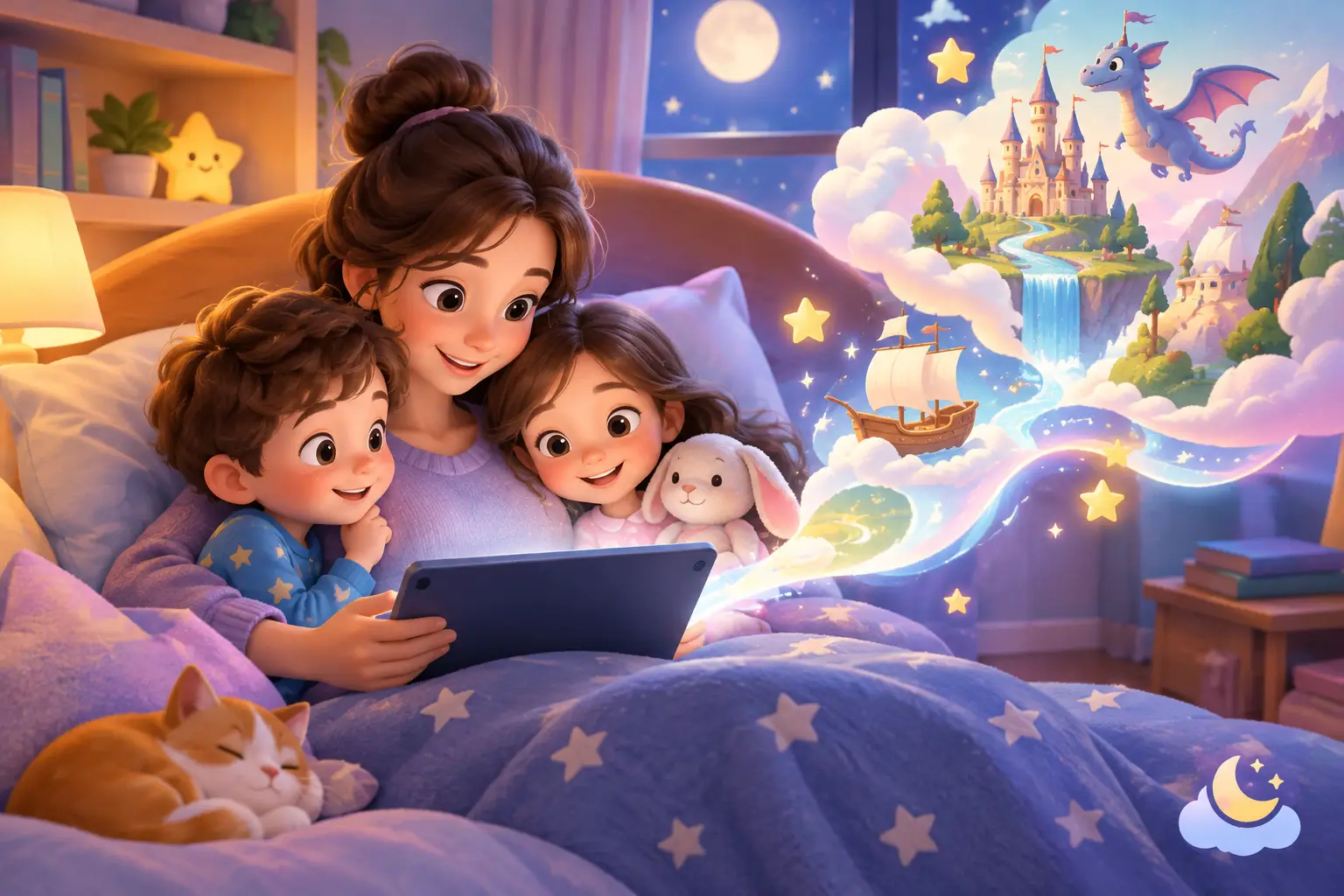
A story about a moonlit train, a brave little explorer or a dragon who learns to ask for help can become part of a child’s evening long after the final page. Knowing how to save digital stories means those favourite adventures are ready for a rainy afternoon, a sleepover at Grandad’s or the bedtime when your child asks, “Can we read the one with me in it again?”
Saving a story is not only about keeping a file. It is about protecting a small family ritual: the characters your child loved, the details that made them smile and the gentle conversations that grew around the story. A simple, thoughtful system helps these magical moments stay easy to find without making your digital life feel cluttered.
How to save digital stories in the right place
The best place to save a story depends on how you expect to enjoy it again. Some story services keep completed adventures in a secure personal library, while others may allow a download or a shareable copy. Before moving anything, look at the options provided where the story is viewed. Saving through the service itself is often the simplest way to preserve the illustrations, page order and personal details together.
If a download option is available, choose a format that is easy for your family to open later, such as a PDF. Give the file a clear name before it disappears into a busy downloads folder. “Maya and the Starry Garden - March 2026” is much more helpful than “story-final-2”. Including the month or year can be especially lovely when you return to stories created around a first day of school, a birthday or a family holiday.
Keep a home for stories still in progress
Not every story needs to be filed away as soon as it is created. You may be trying a new character, waiting to read an adventure together or returning to it after your child adds another idea. Keep in-progress stories separate from favourites, if the platform allows, so your finished library remains calm and easy to browse.
A personal story library can be particularly useful for children who enjoy choosing their own bedtime adventure. In Serene Stories, completed personalised stories can be kept together so familiar heroes are ready for another visit. For a child, seeing their own collection grow can make each story feel like a cherished part of their world.
Save more than one copy when it makes sense
A library within your account is convenient, but it is wise not to rely on a single place for treasured memories if downloads are offered. You might keep the original in your story library and store a downloaded copy in a private family folder. This gives you a second way to find a much-loved story if you change devices or need to tidy your files.
There is no need to save every version of every tale. For many families, keeping the final version and one or two especially meaningful drafts is plenty. The aim is a collection that feels welcoming, rather than another digital cupboard that is difficult to open.
Organise stories around the moments that matter
Folders work best when they follow the way your family remembers things. You could group stories by child, by season or by a particular moment, such as “Starting school”, “Big feelings”, “Holiday adventures” or “Cosy winter reads”. If you have more than one child, a folder for each child can help them feel that their stories have their own special place.
It can also help to use a gentle naming pattern. Start with your child’s name, then the title or theme, followed by the date. For example: “Sam - The Lantern in the Woods - October 2026”. This makes it easier to search later, even if your collection becomes wonderfully large.
For stories created to reflect an everyday challenge, add a few private notes in the file name or a separate family document if that feels useful. “The Cloud Boat - friendship week” may remind you why the story was made without turning it into a label for your child. Keep descriptions kind, simple and focused on the adventure rather than the difficulty behind it.
Make digital story saving part of the bedtime rhythm
You do not need a big organising session after every story. A small habit is kinder to busy family life. Once a month, or at the end of a school term, spend ten quiet minutes moving favourites into the right folder, checking that titles are clear and removing unfinished copies you no longer need.
You might invite your child into this process in an age-appropriate way. Ask which adventures they would like to keep in their “favourite stories” collection, or let them choose a name for a folder. Their answer may surprise you. The tale you thought was simply funny may be the one that made them feel especially brave, understood or excited.
For a more tactile bedtime option, you could print an occasional saved story where the service permissions allow it, then keep it in a simple folder or memory box. Digital and printed stories can sit happily alongside one another. Some evenings call for a glowing screen shared together; others call for turning paper pages under a blanket.
Share stories with care and confidence
A personalised story can make a thoughtful gift for a grandparent, relative or trusted caregiver. Before sharing, consider what personal details appear in it. A child’s name, likeness, school, home area or private experiences deserve the same care you would give to a family photograph.
Use the sharing tools offered by the story service where possible, and send stories only to people you know and trust. A private message or family group is generally a better choice than posting a personalised story publicly. If another adult would like to keep a copy, make sure they understand that it is a family keepsake, not something to forward more widely.
It is also worth checking in with older children. They may be delighted to share their adventure with a favourite auntie, but less keen for it to be seen by everyone. Giving them a voice in that choice is a gentle way to show that their stories and feelings matter.
Protect the stories and the memories within them
Use a strong, unique password for the account where your stories are stored, and keep account recovery details up to date. If your device is shared, sign out when needed and avoid saving stories in public or work folders. These small steps help keep a child’s personalised adventures within the family circle.
When you save files to a cloud storage space, check who can access that folder. A private folder is usually the best starting point. Be cautious with screenshots too: they are handy for a quick memory, but they can be harder to organise and may leave out pages, captions or the full flow of the story.
Finally, revisit your collection from time to time. A story made for a four-year-old may become a precious reminder for the seven-year-old who now reads parts aloud. Let the library change with your family. Keep what still brings warmth, make room for new adventures and allow each child’s growing imagination to lead the way.
The story you save tonight may become more than a bedtime choice. Years from now, it may gently remind your child that they were always allowed to be the hero of a magical adventure.